Free Invoice & Quotation Generator
Create professional invoices and quotations in seconds. No complicated accounting software. Just create, download and share.
- No sign-up
- No watermark
- Arabic & English PDF
Free tools for your business
Pick the document you need and fill it in. Nothing to install.
How it works
From a blank page to a PDF in about two minutes
-
1
Add your details
Your business name, logo and contact details, then your customer. With a free account they are filled in for you next time.
-
2
List what you sold
Add items, quantities and prices. Totals, VAT and discounts are worked out for you, with the right decimals for your currency.
-
3
Download or send
Download an A4 PDF, print it, or send it to your customer on WhatsApp.
The small details
What generic invoice tools get wrong in the Gulf
Most free invoice apps are made for the US or Europe. These are the details GCCInvoice was built around.
Dinar and rial decimals
KWD, BHD and OMR have three decimals.
Arabic text
Letters join correctly and the page runs right to left, in the PDF too.
VAT rate
5% in the UAE and Oman, 10% in Bahrain, 15% in Saudi Arabia, none in Kuwait and Qatar.
Tax invoice details
What a VAT-registered business has to show on its invoices.
Total in words
Many Gulf customers expect the amount written out.
Sending
Most small businesses here talk to customers on WhatsApp.

Why GCCInvoice exists
Built in Kuwait, for invoices that look right here
GCCInvoice is built and run by Mahbub, an independent developer in Kuwait. It started with a simple problem: the free invoice tools we tried were made for other markets. They turned 15.500 KWD into 15.50, printed Arabic with broken letters, and had no idea which Gulf country charges which VAT rate.
So the aim is simple: a free tool that gets Gulf invoices right, with no sign-up and no watermark. The site shows ads to cover its costs; they never appear on your invoice.
If something is missing or wrong, email hello@gccinvoice.com. Every message is read.
Invoice generators for every GCC country
The right currency, decimals and VAT settings for your country, ready to go.
From the blog
Read more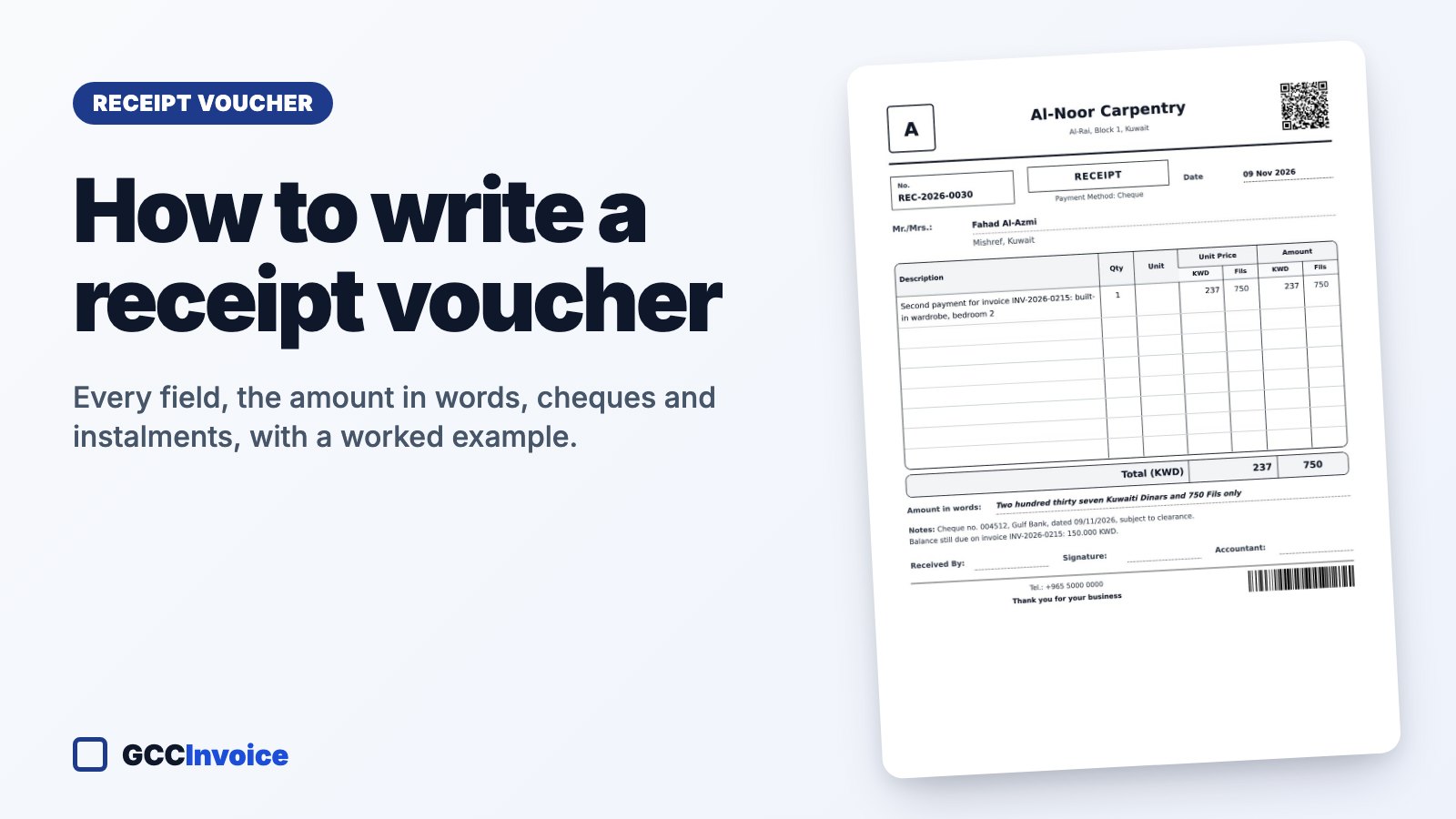
How to Write a Receipt Voucher: Fields, Wording and a Worked Example
Every field of a receipt voucher explained: the standard wording, the amount in words for each GCC currency, what to write for cash, cheques, transfers and KNET, how to handle deposits and instalments, and a worked example you can make for free.

Quotation Cover Letter and Email Wording: 8 Ready Templates to Copy (Arabic and English)
Ready-to-copy wording for sending a quotation: a formal cover letter, an email, a WhatsApp message, a follow-up, a revised quote, a reply to an RFQ, accepting an order and politely declining. With subject lines and tips.
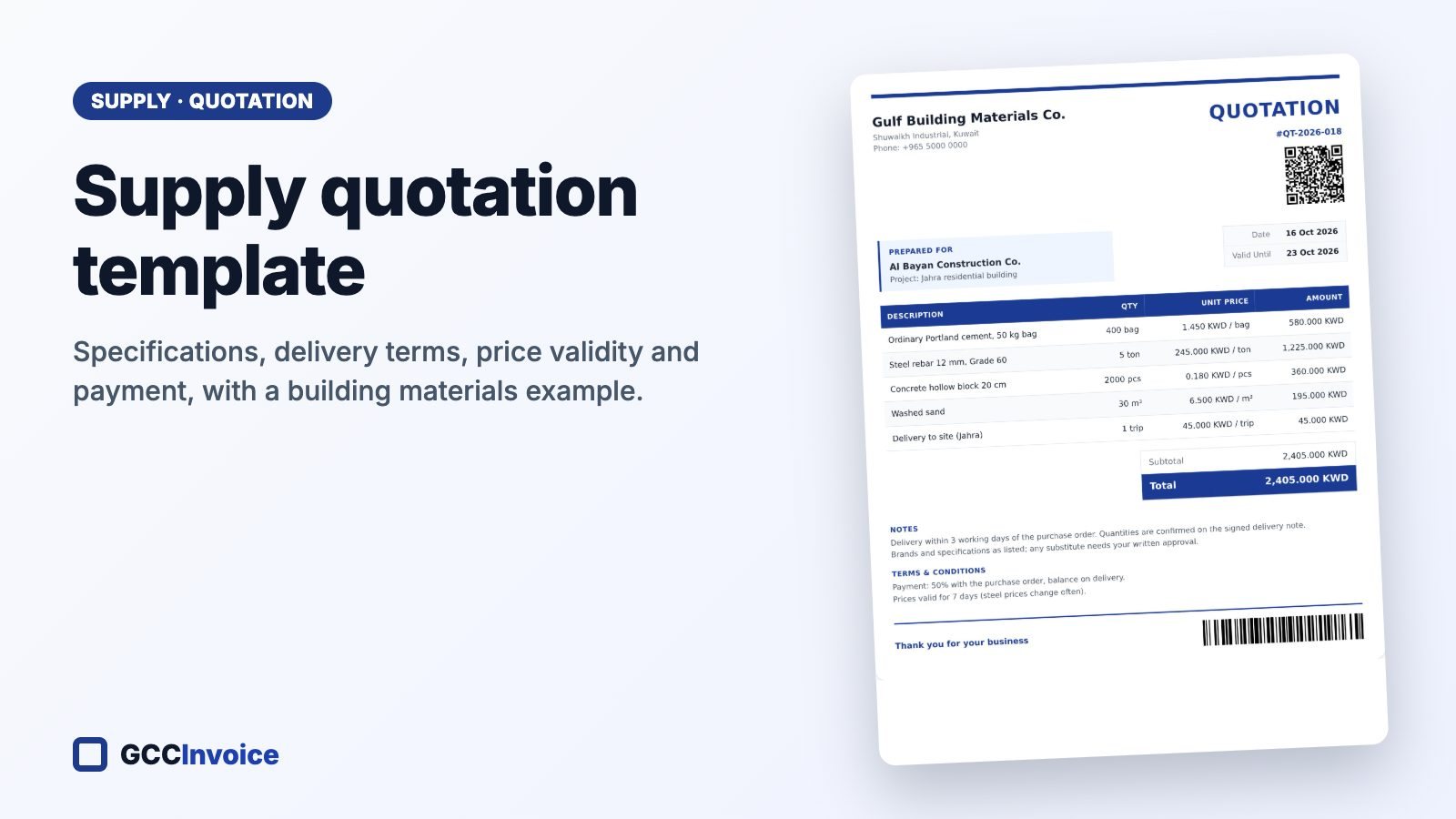
Supply Quotation Template: How Suppliers Quote Materials and Goods (With Example)
How to quote for supplying materials or goods: item specifications, brands, units, delivery terms, price validity, payment and VAT, with a complete example for building materials in Kuwait that you can open and edit for free.
Frequently asked questions
Is GCCInvoice really free?
Yes. Every document type is free to create, download and print, with no limit and no watermark. A free account is optional; it only saves your business details and document history.
Can I make an invoice in Arabic?
Yes. Switch the document language to Arabic for a right-to-left invoice, or use the bilingual tax invoice with Arabic and English side by side.
Is it a ZATCA e-invoicing (Fatoora) system?
No. GCCInvoice makes PDF invoices and tax invoices with the details the rules ask for, including the QR code for simplified tax invoices. Businesses that must connect to ZATCA’s Fatoora platform (Phase 2) need an approved e-invoicing solution.
Which currencies can I use?
All six GCC currencies and more than 150 others, each with its correct number of decimals.
Create your first invoice in under two minutes
No sign-up required. Just fill in your details and download a professional PDF.
Create Invoice